Kruti is a content writer at PayGlocal, where she simplifies complex payment topics into practical insights. She writes about global payments, cross-border commerce, and the technologies shaping international business.
Collecting international payments on WhatsApp just got easier. Here is how to create a WhatsApp payment link in seconds, and how AI simplifies the WhatsApp checkout experience for customers paying from anywhere in the world.
📌TL;DR
•A WhatsApp payment link lets customers pay inside the same chat, with no website, app, or dashboard needed.
•PayGlocal Echo, the merchant operating layer, creates these links from a text or voice note and works across 180+ countries in multiple currencies.
•As an RBI-authorised platform, it gives Indian exporters the compliance and documentation they need, including FIRC.
•Ideal for exporters, freelancers, agencies, and D2C brands: faster collections and fewer lost sales.
Priya runs a small block-print apparel business from her home, taking orders through Instagram and WhatsApp. One afternoon, a customer in the US messages her about her bestselling Anarkali suit. The intent is clear. The customer is ready to buy.
Then comes the hard part: how does Priya actually collect the payment? Asking for a bank transfer is complicated. Traditional payment gateways expect her to run a full website. Most international payment options involve multiple steps and dashboards she has no time for mid-afternoon.
This is the exact moment a WhatsApp payment link - or a cross-border payment link for international customers - changes everything.
In this guide, we will walk through how to create a WhatsApp payment link, why it is becoming the simplest way to accept international payments in India.
Why More Businesses Are Using WhatsApp Payment Links
Customers are already on WhatsApp. They ask questions there, request product photos, negotiate prices, share addresses, and confirm delivery. So when it is finally time to pay, sending them off to a separate platform introduces friction, and every extra step is another chance to lose the sale.
A WhatsApp payment link removes that friction. Whether you're using WhatsApp Business or a WhatsApp Business API integration for customer conversations, it lets customers pay inside the same chat where they decided to buy.
There is no app to download, no website required, and no dashboard to navigate. For freelancers, exporters, and small businesses, that speed is often the difference between a closed sale and a lost one.
Businesses do not lose sales because customers are not interested. They lose them because payment collection cannot keep up. For a business creating even 10 payment links a day, the time spent switching between systems and tabs adds up to more than 300 hours of operational work in a year. These hours are spent before the real work even begins.
Meet PayGlocal Echo: The AI Assistant for International Payments
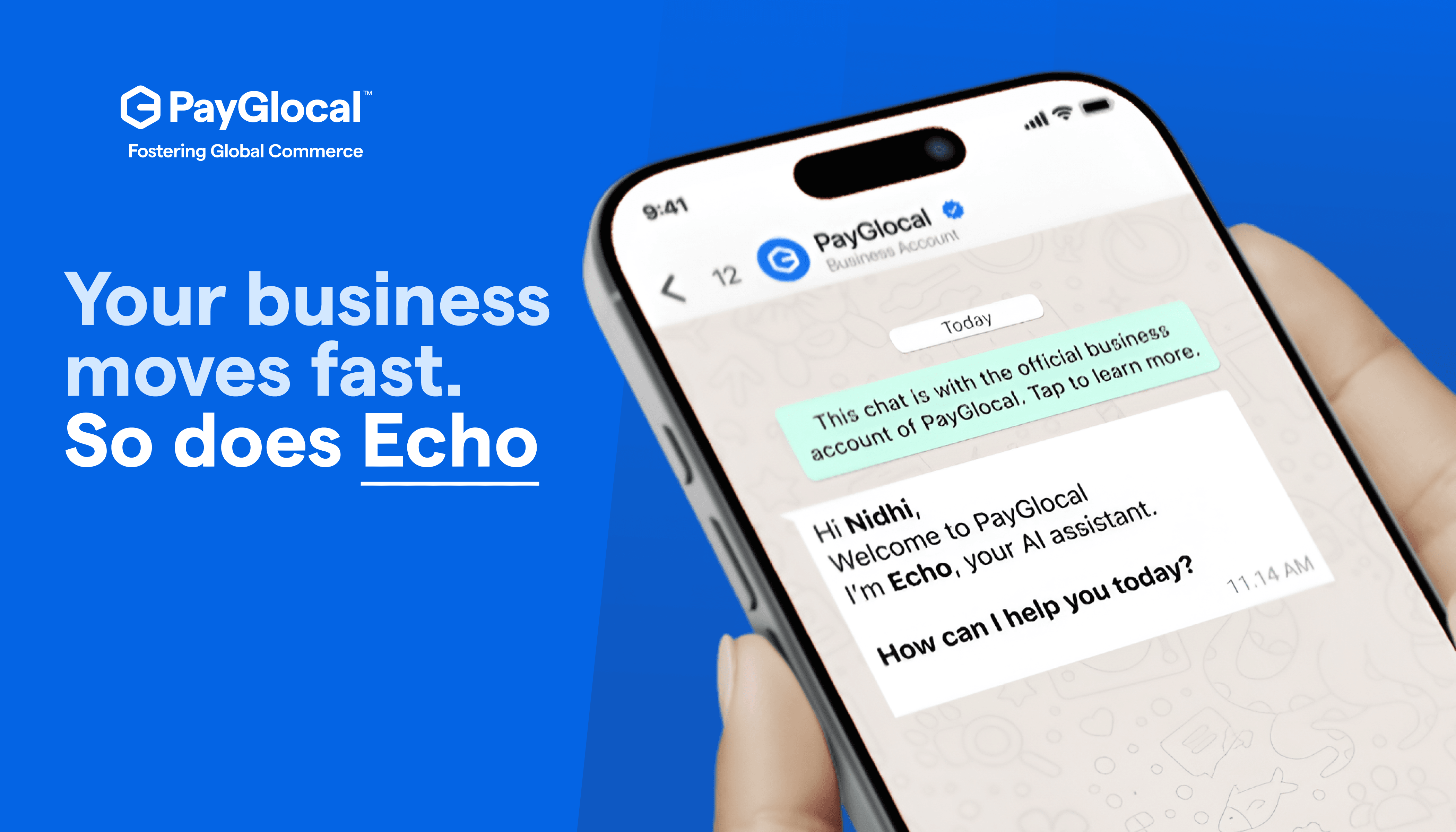
PayGlocal Echo is an AI-powered merchant assistant that lets businesses create payment links, accept international payments, track settlements, monitor transactions, and get support, all through WhatsApp.
Instead of switching between dashboards, payment gateways, and multiple apps, merchants can simply send a text message or voice note to Echo.
Whether you need to generate a WhatsApp payment link for a customer in the US, check the status of a settlement, or collect payments in multiple currencies, Echo turns everyday business conversations into complete payment workflows.
It works with your registered WhatsApp Business number, supports English and 15+ regional languages, and helps you manage global payments without ever leaving the chat.
Accepting an International Payment on WhatsApp via Echo
Coming back to Priya. Her US customer says, “I’d like to buy the Anarkali.”
In the traditional way of doing things, Priya would say she will get back in a bit. She would need to open her laptop, log into her payment system, fill in customer details, generate a link, and send it back. By then the moment has often passed. Twenty minutes is all it takes for a ready buyer to find something else.
Instead, Priya opens Echo on WhatsApp and sends a quick voice note: "Create a payment link for USD 120." In seconds, she is able to accept USD payments in India without leaving the WhatsApp conversation.
Priya approves it, and her customer receives the WhatsApp payment link directly in the chat. The customer pays. The money is settled.
The conversation never breaks. The moment never passes. Priya just used a WhatsApp payment link to accept international payments in India without leaving the chat or opening a single dashboard.
How Echo Simplifies WhatsApp Business Payments
Echo is not just an assistant. It is a complete merchant layer that works with your registered WhatsApp Business account, helping merchants streamline payment collection while complementing WhatsApp Business API workflows for growing businesses.
It works through any phone number registered with PayGlocal via WhatsApp, and it accepts both voice commands and text in English and 15+ regional languages.
Here is what Echo handles inside a single WhatsApp conversation, making WhatsApp business payments effortless:
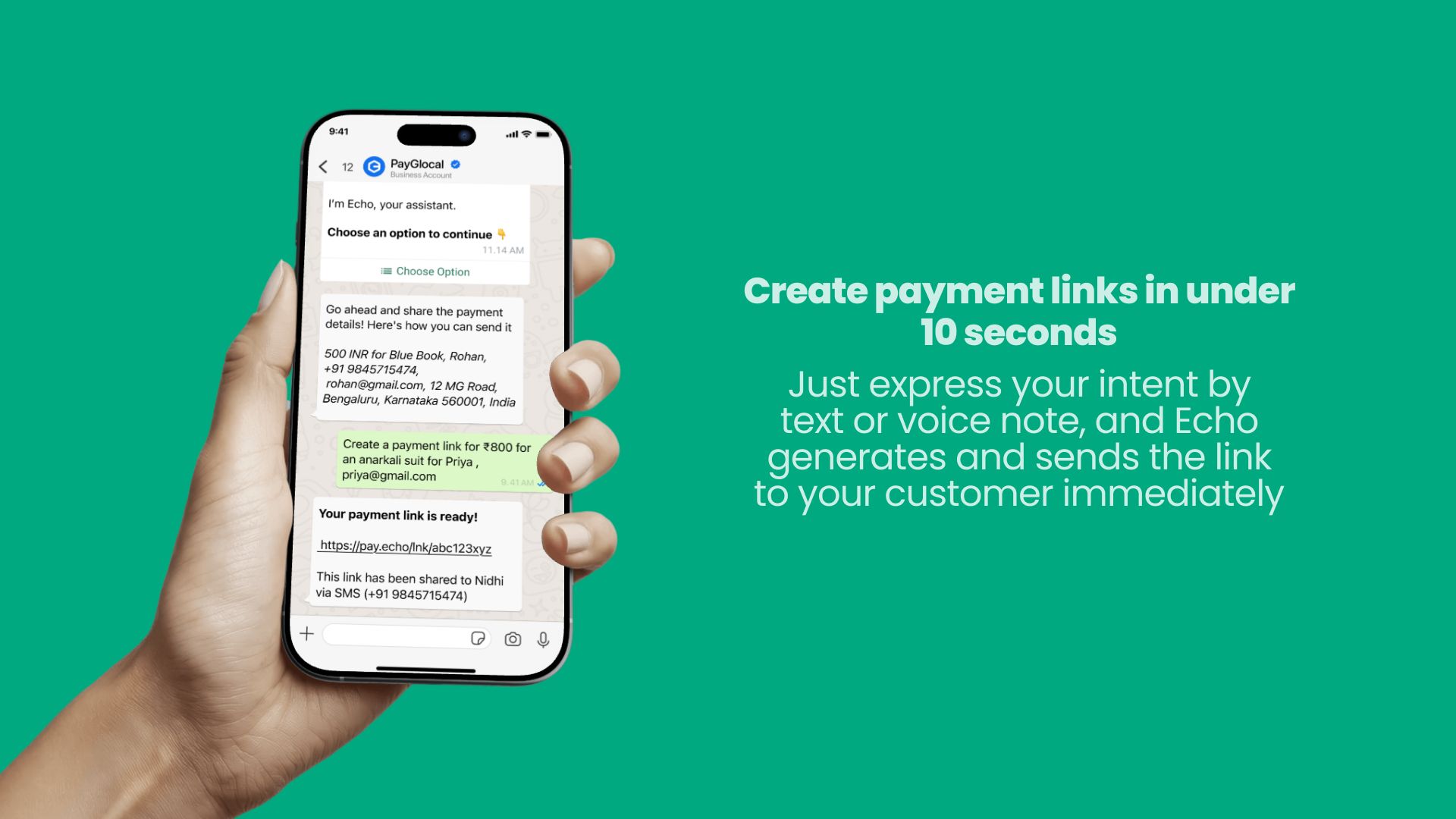
Create payment links in seconds. Express your intent by text or voice note, and Echo generates and sends the link to your customer immediately.
Accept international payments. Echo extends the same WhatsApp-native experience to cross-border collections, so global payments feel as simple as local ones.
Track settlements and transactions, with no need to log into a separate dashboard.
Raise support queries and tickets, handled right within the chat.
Behind this simplicity, Echo is powered by advanced AI and PayGlocal’s proprietary MCP (Merchant Control Platform) architecture, built to operate seamlessly within WhatsApp. It turns WhatsApp business payments into a single conversation instead of a multi-app chore.
With Echo, you can create payment links in WhatsApp under 10 seconds
Benefits of Using WhatsApp Payment Links for International Payments
Using a WhatsApp payment link for international payments gives businesses:
Faster collections, because the customer pays in the same chat
A better customer experience, with no redirects or downloads
Secure checkout on every transaction
Support for multiple currencies
Less manual work and fewer apps to juggle
The ability to share links instantly by text or voice
Easy tracking of payments and settlements
Who Can Use WhatsApp Payment Links?
Almost any business that sells through conversation can use WhatsApp payment links to collect from customers abroad:
Exporters shipping products overseas
Freelancers and consultants billing global clients
Agencies invoicing international accounts
D2C brands selling across borders
Shopify sellers managing global orders
Manufacturers dealing with foreign buyers
If your customers are on WhatsApp, a WhatsApp payment link meets them exactly where they already are.
How to Accept International Payments in India through WhatsApp
Here is how to accept international payments in India using a WhatsApp payment link with Echo:
Sign up with PayGlocal and register your business phone number.
Open Echo on WhatsApp.
Ask Echo to generate a payment link, by text or voice, with the amount and currency.
Approve the link and share it with your customer on WhatsApp.
Your customer pays through a secure checkout.
Receive your settlement, tracked right inside the chat.
That is the entire process. No website, no dashboard, no switching between apps.
Over 5,000 merchants are already using Echo to turn WhatsApp chats into closed sales across 180+ countries. The consistent takeaway from merchants who have tried it: simplicity and speed make the biggest difference.
Frequently Asked Questions
A WhatsApp payment link is a secure link that lets your customer pay you directly inside a WhatsApp conversation, without visiting a website or downloading an app.
Yes. With Echo, you can create a WhatsApp payment link and accept international payments in India directly through WhatsApp, across 180+ countries.
Businesses can accept international payments in India by signing up with PayGlocal, using Echo to generate a payment link on WhatsApp, and sharing it with the customer to pay through a secure checkout.
Yes. Freelancers, consultants, and agencies can use WhatsApp payment links to bill international clients quickly and get paid in the same chat.
Yes. Every WhatsApp business payment through Echo is processed with a secure checkout, and merchants can track settlements without logging into a separate dashboard.
No. That is the whole point. You can create a WhatsApp payment link through Echo without a website, an app, or a dashboard. If you have a business phone number registered with PayGlocal, you can start collecting payments inside the chat.
Echo supports collections in multiple currencies across 180+ countries, so you can bill a US customer in USD, a UK client in GBP, and a buyer in the UAE in AED, all from the same WhatsApp conversation.
Your customer taps the link and completes payment through a secure checkout. They can use the international payment methods available in their country, so there is no need for them to download an app or create an account.
Pricing depends on your PayGlocal plan and the transaction. There are no charges for simply creating a payment link through Echo. You can sign up and review the applicable rates before you start collecting.
Yes. Since PayGlocal is an RBI-authorised cross-border payments platform, your international collections are processed with the compliance and documentation Indian exporters need, including support for FIRC where applicable. You can track every settlement inside the chat.
Each link is generated for a specific amount and purpose, which keeps tracking clean and reconciliation simple. When you need another collection, just ask Echo to create a new WhatsApp payment link by text or voice, and it will be created in seconds.
Echo accepts both voice and text commands in English and 15+ regional languages, so you can create a WhatsApp payment link in the language you are most comfortable with.
No. Your standard WhatsApp Business account can have Echo enabled that adds a full merchant layer on top, letting you handle WhatsApp business payments, track settlements, and raise support queries without leaving the conversation.